
Overview
You can map specific characters (symbols, character codes, full-width/half-width) to other characters.
Management Operations
Display Method
To open the mapping configuration list page shown below, click [System > Dictionary] in the left menu, then click mapping.
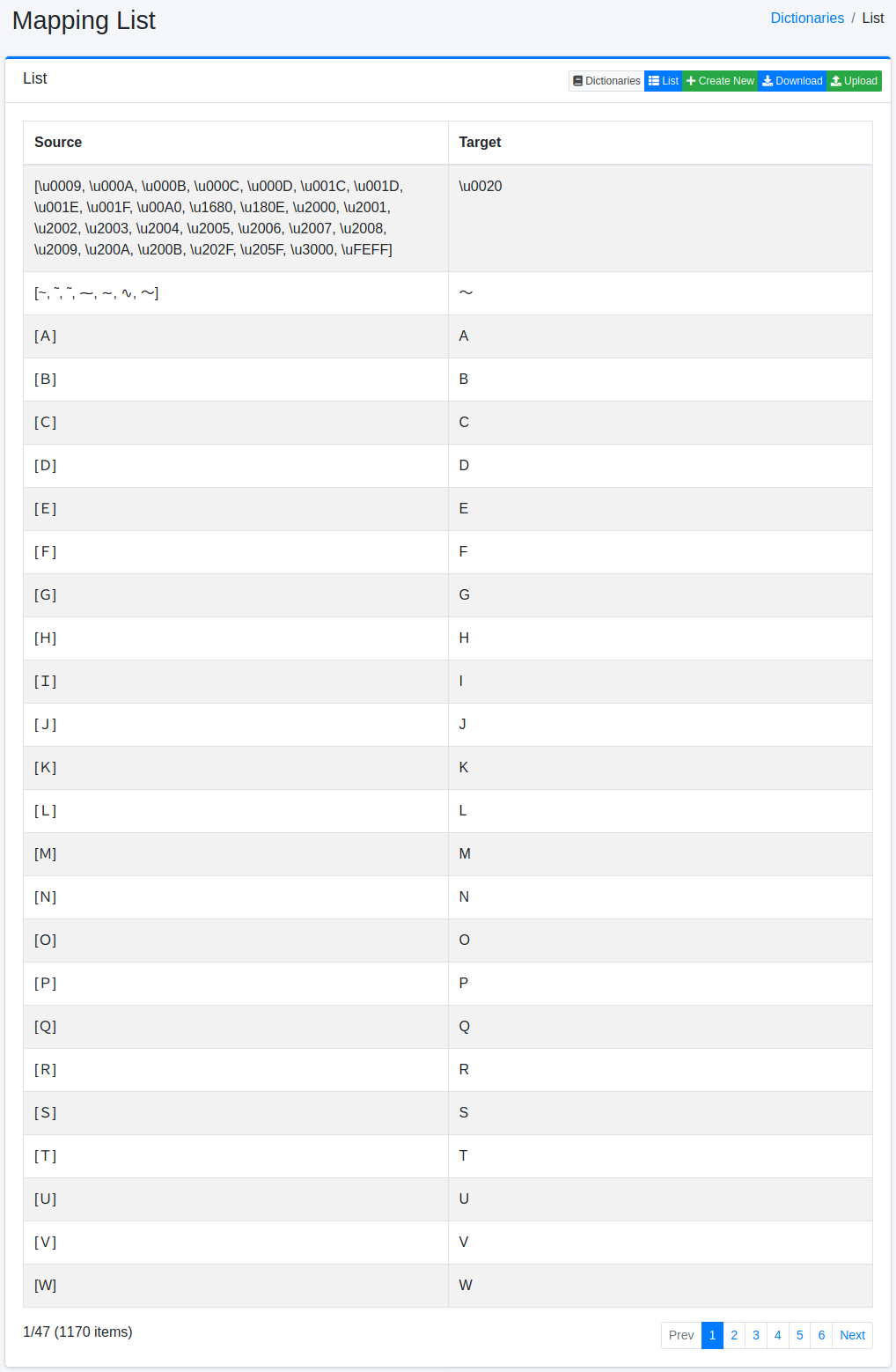
Click the configuration name to edit it.
Configuration Method
To open the mapping configuration page, click the New button.
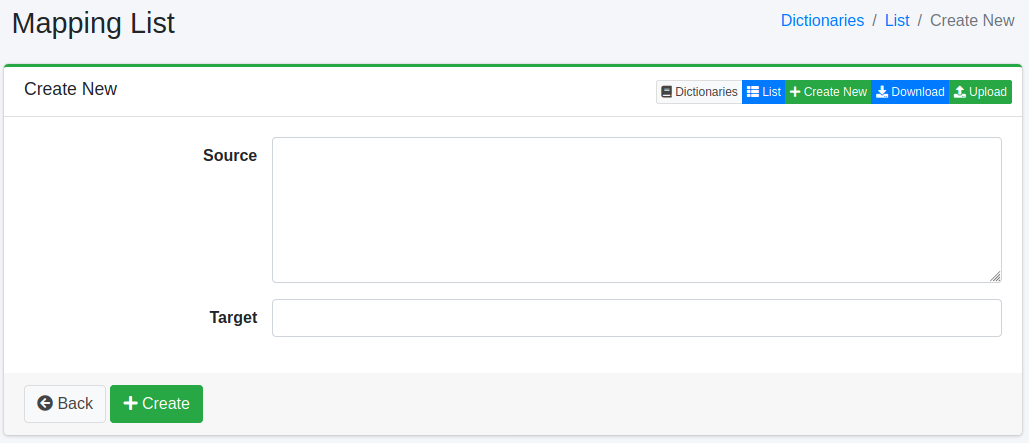
Configuration Items
Source
Enters the characters (symbols, character codes, full-width/half-width) to be mapped.
Target
Expands the characters entered in the source field with the converted characters.
Download
You can download in mapping dictionary format.
Upload
You can upload in mapping dictionary format.
Bundled Mapping Dictionaries
The default mapping.txt is used to analyze search fields such as title and content. It folds hiragana, small kana and half-width katakana into full-width katakana, so that りんご, リンゴ and リンゴ match each other. In Fess 15.9, it also folds the following spellings:
ゐ and ゑ (to イ and エ), small kana such as ゎ, ゕ, ゖ, ヮ, ヵ, ヶ and ㇰ-ㇿ, and ゝ and ゞ (to ヽ and ヾ)
ヴ, ヴャ, ヴュ and ヴョ, hiragana ゔ, half-width ヴ, and ウ or う followed by a combining voiced sound mark (U+3099); for example, ラヴ becomes ラブ and レヴュー becomes レビユー
In addition, ‐ ‑ ‒ – — ― ⁻ ₋ − and - written right after kana are treated as the long vowel mark ー (prolonged_sound_mark_filter), so サ―バ- and サ−バ‐ match サーバー. An ASCII hyphen-minus (-) and a dash after kanji, letters or digits (東京-大阪, 2026−10−02) are not changed.
ja/mapping.txt for Japanese (the *_ja fields) keeps hiragana and small kana as they are, because the morphological analyzer needs them, and folds only spellings such as ヴ.
Note
These settings apply to a newly created document index. An existing index keeps its analysis settings and dictionaries until it is reindexed. To apply them to an existing index, reindex with “Reset Dictionaries” enabled on the Maintenance page. Resetting the dictionaries overwrites any edits to mapping.txt / ja/mapping.txt made in the administration screen.