
Overview
This page sends a request written in a JSON file to OpenSearch.
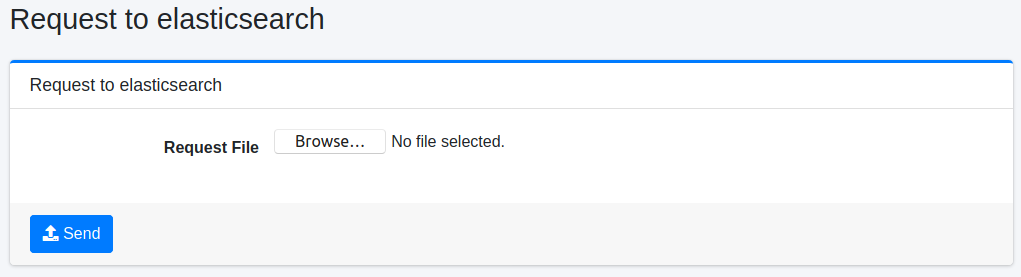
This page is not in a menu pane. To display this page, log in as an administrator and type /admin/sereq/ as the URL path. The admin role (administrators) or the admin-sereq role is required to send a request.
Operations
Send Request
Create a JSON file that contains the request you want to send to OpenSearch, select it as “Request File” and click the “Send” button to send the request to OpenSearch. The response is downloaded as a file.
Configurations
Request File
Specifies the file that contains the request.
Write <method> <path> on the first line, separated by a single space, and the request body (such as a query DSL) on the following lines. The method can be GET, POST, PUT or DELETE. The path is the path on OpenSearch, and the leading / can be omitted. For example, the content of the file looks like this.
Line breaks in the body are removed and the lines are joined before the request is sent. A request whose body has one JSON document per line, such as _bulk, cannot be sent.
Warning
A request whose method is PUT or DELETE is also sent to OpenSearch as it is. Depending on the content of the file, this can change or delete the indices that Fess uses and lose data. Check the content carefully before sending.