
Overview
The access token settings page manages access tokens.
Management Operations
Display Method
To open the access token configuration list page shown below, click [System > Access Token] in the left menu.
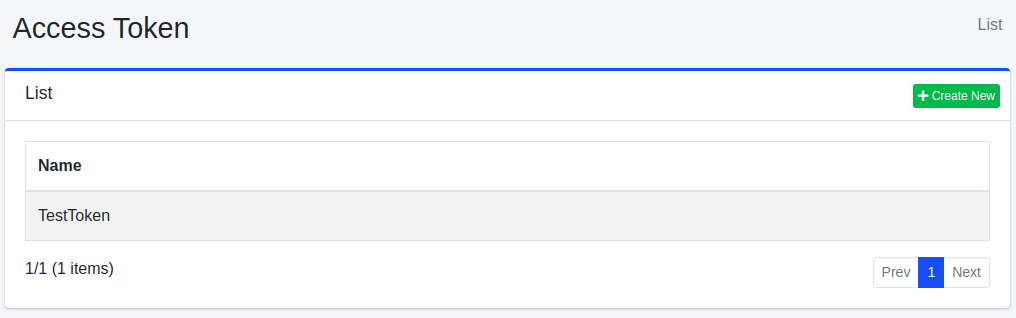
Click the configuration name to edit it.
Creating Configuration
To open the access token configuration page, click the New button.
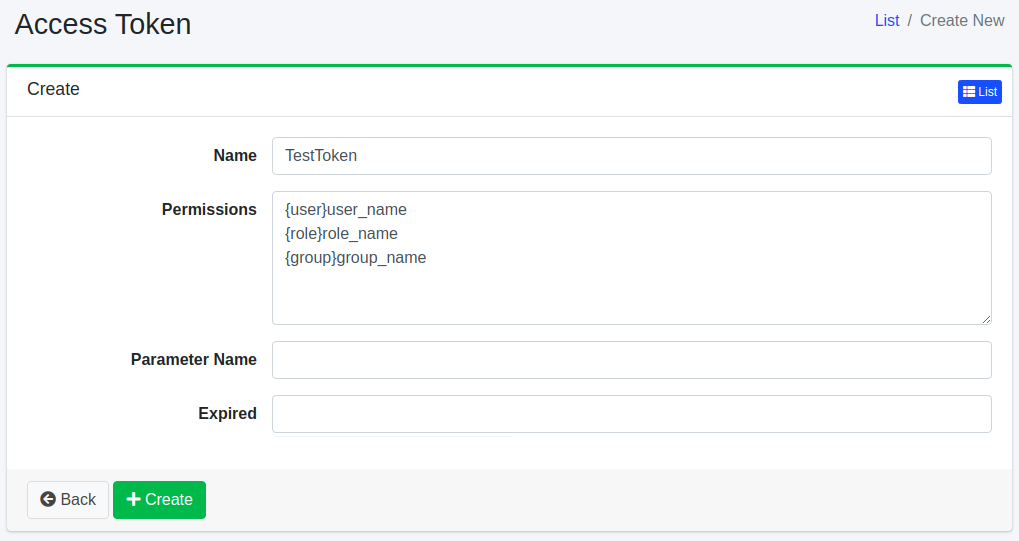
Configuration Items
Name
Specifies the name to describe this access token.
Permission
Sets the permission for the access token. Described in “{user|group|role}name” format. For example, to allow users belonging to the developer group to view search results, set the permission to “{group}developer”.
Warning
An access token with the {role}admin-api permission (stored as Radmin-api) can use every Admin API endpoint; see Admin API Overview. A user with the admin-accesstoken role can issue such a token, and a user with admin-accesstoken-view can display the token values, so treat both roles as equivalent to the administrator role and grant them only to trusted operators.
Parameter Name
Specifies the request parameter name when specifying permission as a search query.
Warning
The parameter name feature is designed for use in trusted internal environments only. When this feature is enabled, additional permissions can be specified through URL parameters. However, in externally accessible environments or when exposed as a public API, malicious users may manipulate URL parameters to escalate to privileges they should not have.
Please note the following:
Use this feature only when Fess is embedded within another application or service that fully controls inbound requests.
Do not configure a parameter name when Fess is exposed to untrusted networks.
Ensure that URL parameters cannot be manipulated by external users when using access tokens.
Expiration Date
Specifies the expiration date for the access token.
Deleting Configuration
Click the configuration name on the list page, then click the Delete button to display a confirmation screen. Click the Delete button to remove the configuration.