
Overview
You can manage the groups to which users belong. This feature can be useful, for example, when integrating with LDAP.
Management Operations
Display Configurations
To access the list page for group settings shown below, click on “[User > Group]” in the left menu.
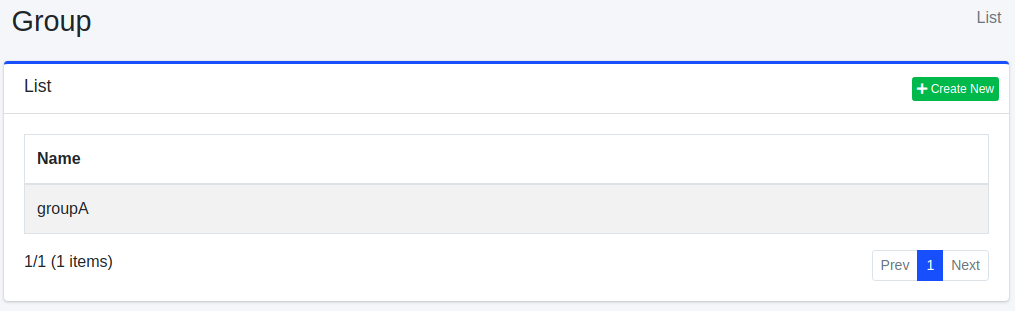
To edit, click on the configuration name.
Create Configuration
To open the Group settings page, click on the “Create New” button.
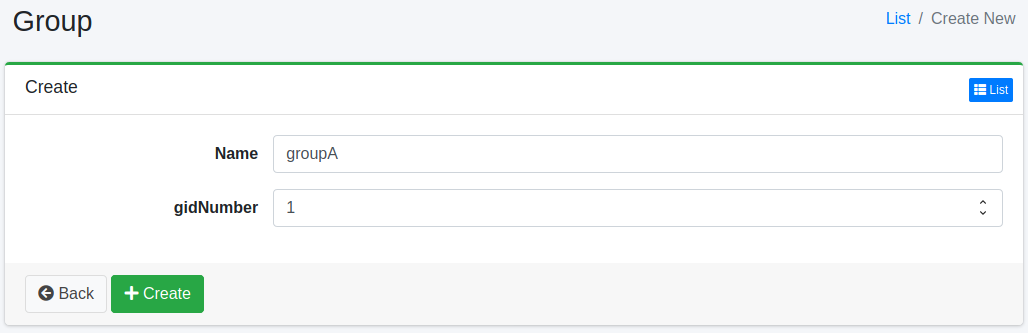
Configurations
Name
The name of the group.
gidNumber
The gidNumber (the POSIX group ID in LDAP) of the group, as a number. It is optional. Entering a value that is not a number results in an error. When Fess is configured to manage LDAP from the administration screens (ldap.admin.enabled=true), it is written to the gidNumber attribute of the group entry in LDAP (the attribute name can be changed with ldap.attr.gidNumber). If you do not use LDAP, you do not need to specify it.
Delete Configuration
Click on the configuration name on the list page, and when the delete button is clicked, a confirmation screen will appear. Clicking the delete button will remove the configuration.