
Overview
Stopwords are words that the analyzer removes when documents are indexed and when searches are run. The stopwords dictionary lets you manage the words to remove.
Note
Stopwords dictionaries are per-language files (en/stopwords.txt, ja/stopwords.txt and so on), and each one is used only by the analyzer for its language. en/stopwords.txt is used to analyze the content and title fields and _en fields such as content_en, while content_ja and title_ja of documents detected as Japanese are analyzed with ja/stopwords.txt. Language-specific fields such as content_ja are added to the query according to the request language, so a word added only to en/stopwords.txt can still match through a language-specific field. To keep a word from matching, also add it to the stopwords dictionary for the language of the documents.
Stopwords are compared with each token that the analyzer produces. A word that the analyzer splits into several tokens, such as a word that mixes letters and digits, is not removed when it is added as it is. You can check how a word is split with the _analyze API of OpenSearch.
Management Operations
Display Method
To open the stopwords configuration list page shown below, click [System > Dictionary] in the left menu, then click stopwords.
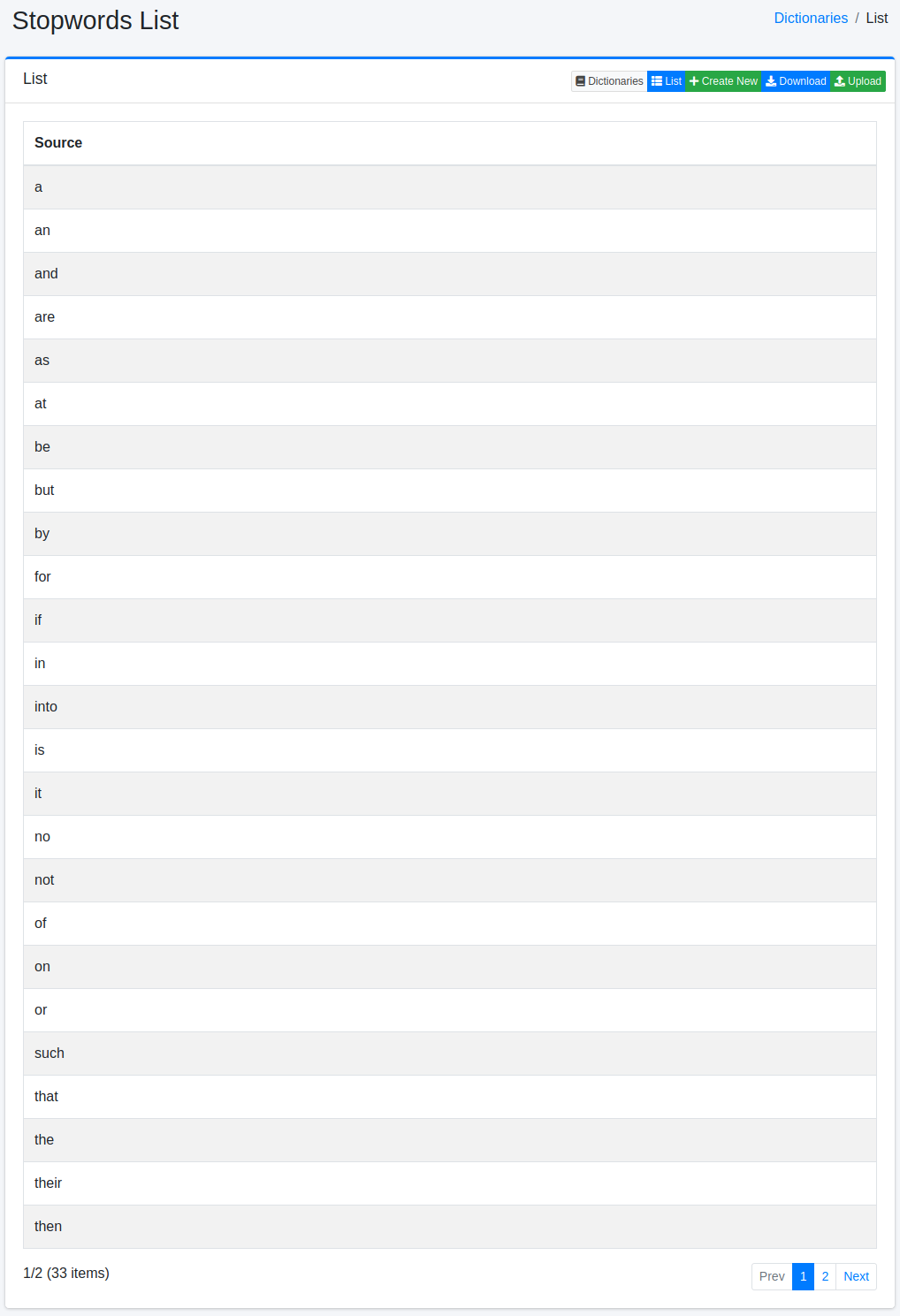
Click the configuration name to edit it.
Configuration Method
To open the stopwords configuration page, click the New button.
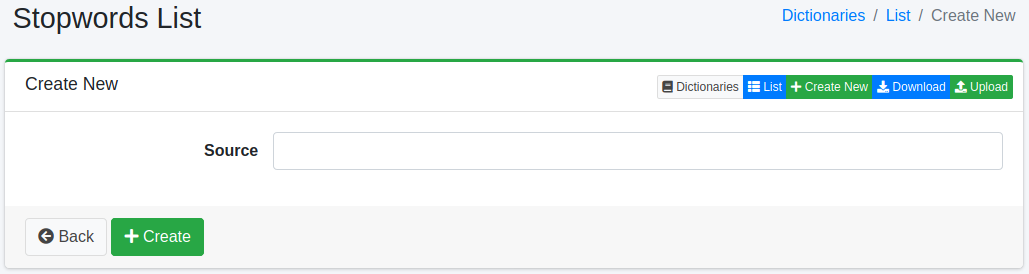
Configuration Items
Word Info
Enter the word to remove as a stopword.
Download
You can download the stopwords dictionary as a text file with one word per line.
Upload
You can upload a text file with one word per line. Lines starting with # are treated as comments.