
Overview
This page explains the configuration settings related to labels. Labels can classify documents displayed in search results. Label configuration specifies the paths to apply labels using regular expressions. When labels are registered, a label pull-down box is displayed in the search options.
The label settings here apply to web or file system crawl configurations.
Management Operations
Display Method
To open the label configuration list page shown below, click [Crawler > Label] in the left menu.
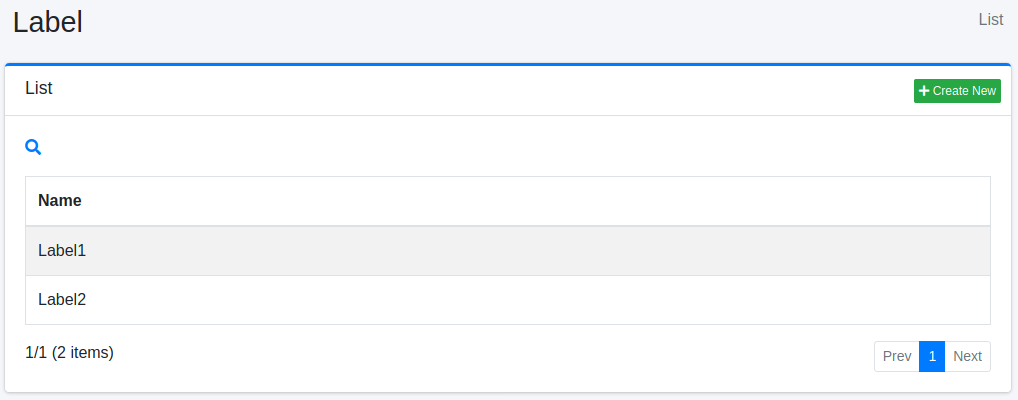
Click the configuration name to edit it.
Creating Configuration
To open the label configuration page, click the New button.
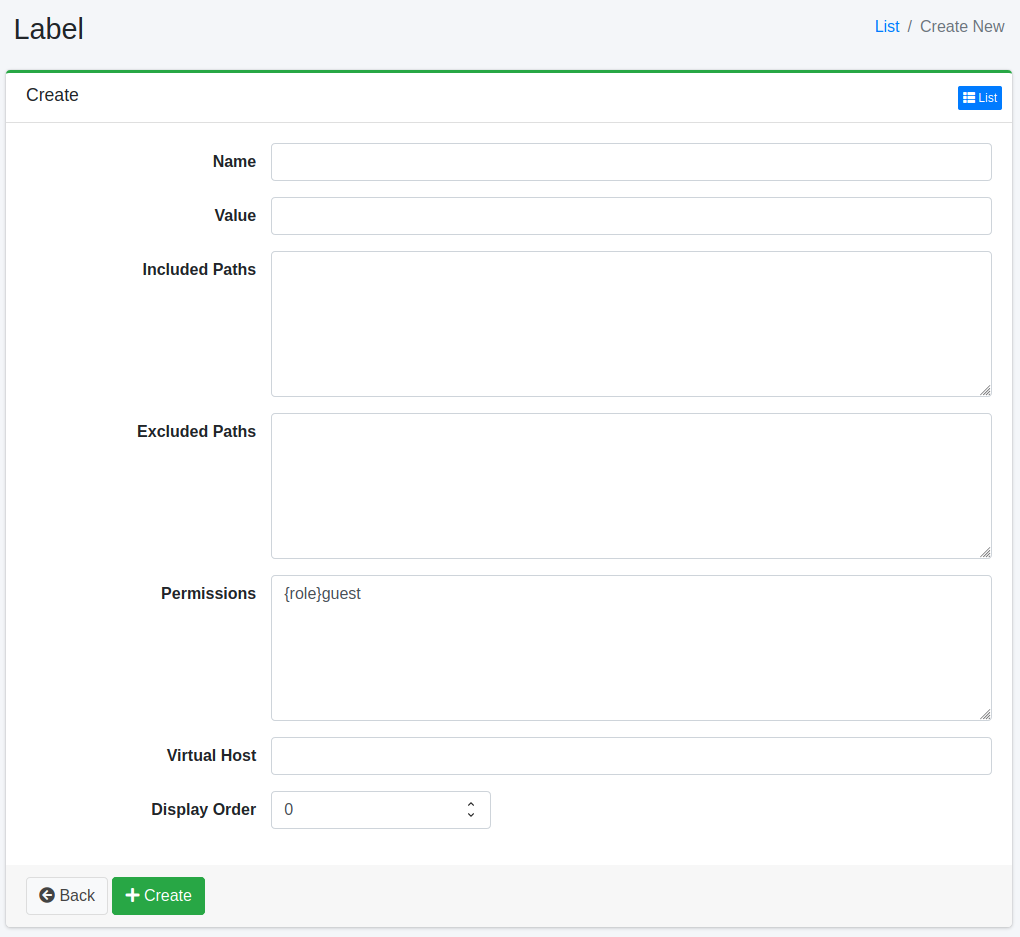
Configuration Items
Name
Specifies the name displayed in the label selection pull-down box during searches.
Value
Specifies the identifier for classifying documents. Specify using alphanumeric characters.
Included Paths
Configures paths to apply labels using regular expressions. Multiple paths can be specified by writing on multiple lines. Labels are applied to documents matching the paths specified here.
Excluded Paths
Configures paths to exclude from crawl targets using regular expressions. Multiple paths can be specified by writing on multiple lines.
Permission
Specifies the permission for this configuration. To display search results to users belonging to the developer group, specify {group}developer. User-level specification uses {user}username, role-level specification uses {role}rolename, and group-level specification uses {group}groupname.
Virtual Host
Specifies the virtual host hostname. For details, refer to Virtual Host in the Configuration Guide.
A search screen accessed through a virtual host shows only the labels whose field names that virtual host. A label with this field empty is not shown when the search screen is accessed through a virtual host. An access that matches no virtual host shows all labels, whatever this field holds.
A label can name only one virtual host. To show the same label on several virtual hosts, create a label with the same name and value for each virtual host, and put that virtual host name in its Virtual Host field. Because the value is the same, each of those labels narrows the results to the same documents.
Display Order
Specifies the display order of labels.
Deleting Configuration
Click the configuration name on the list page, then click the Delete button to display a confirmation screen. Click the Delete button to remove the configuration.