
This page is generated by Machine Translation from Japanese.
Settings Wizard
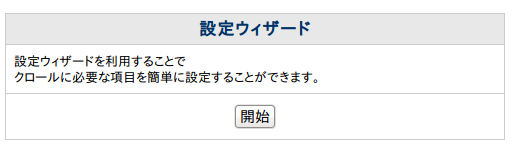
Introduction to the Configuration Wizard.
You can use Settings Wizard, to set you up on the fess.
How to use Setup Wizard
In Administrator account after logging in, click menu Settings Wizard.
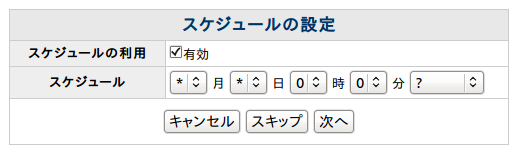
First, setting a schedule.
During the time in fess is crawling and indexes.
By default, every day is a 0 時 0 分.
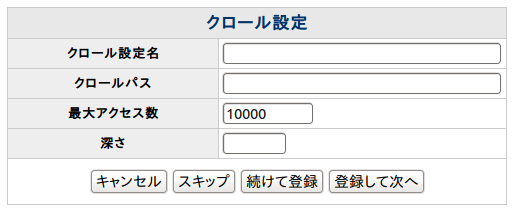
The crawl settings.
Crawl settings is to register a URI to look for.
The crawl settings name please put name of any easy to identify.
Put the URI part de-indexed, want to search for.
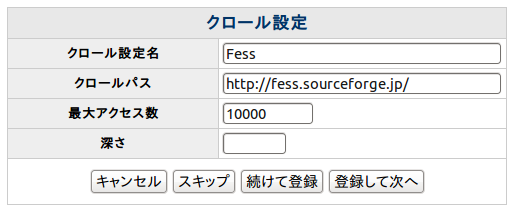
For example, if you want search for http://example.com, below looks like.
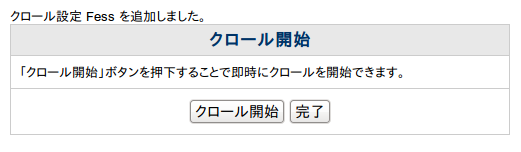
In this is the last setting.
Crawl start button press the start crawling. Not start until in the time specified in the scheduling settings by pressing the Finish button if the crawl.
Changes to settings
Settings in the Setup Wizard you can change from crawl General, Web, file system.