
Overview
User Configuration page manages users on Fess. Managed users is able to login Fess and users which has admin role manages Fess configuration.
Management Operations
Display Configurations
Select User > User in the left menu to display a list page of User Configuration, as below.
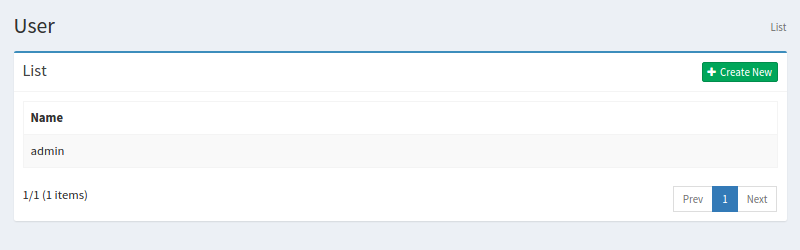
Click a configuration name if you want to edit it.
Create Configuration
Click Create New button to display a form page for User configuration.
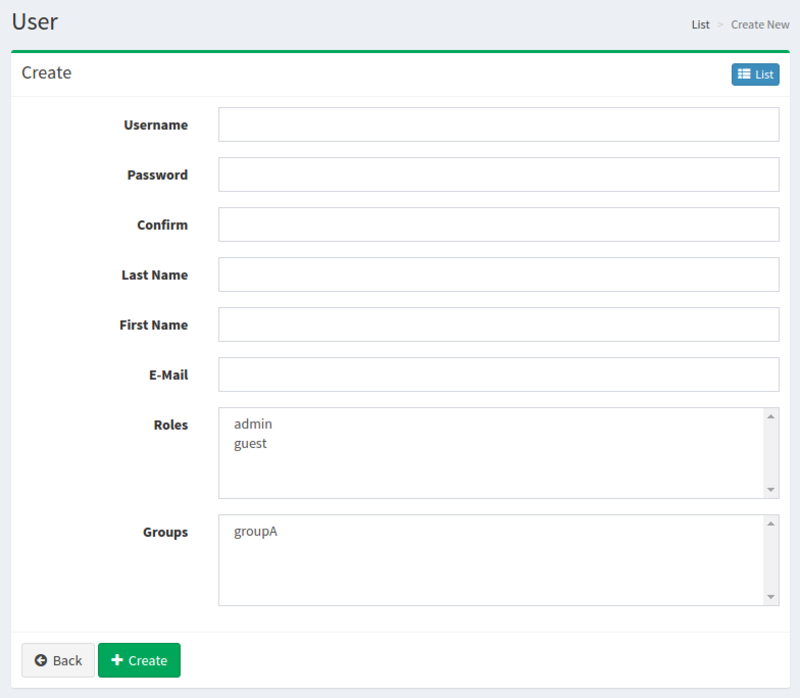
Configurations
Name
User name.
Roles
Roles to which user belongs.
Groups
Groups to which user belongs.
Delete Configuration
Click a configuration on a list page, and click Delete button to display a confirmation dialog. Click Delete button to delete the configuration.